
Installing the laskar303 Android App
To install our app, visit laskar303.bet from your Android phone's browser. Scroll to the footer and tap the "App" link, or look for a download button on the homepage. You will see a file named laskar303.apk ready to download. Tap it, and your phone will prompt you to allow installation from unknown sources — this is normal for apps distributed outside the Google Play Store.
Once you confirm, the app installs automatically. The process takes about 30 seconds depending on your internet speed. After installation completes, you will see the laskar303 icon on your home screen. Tap it to launch the app for the first time.
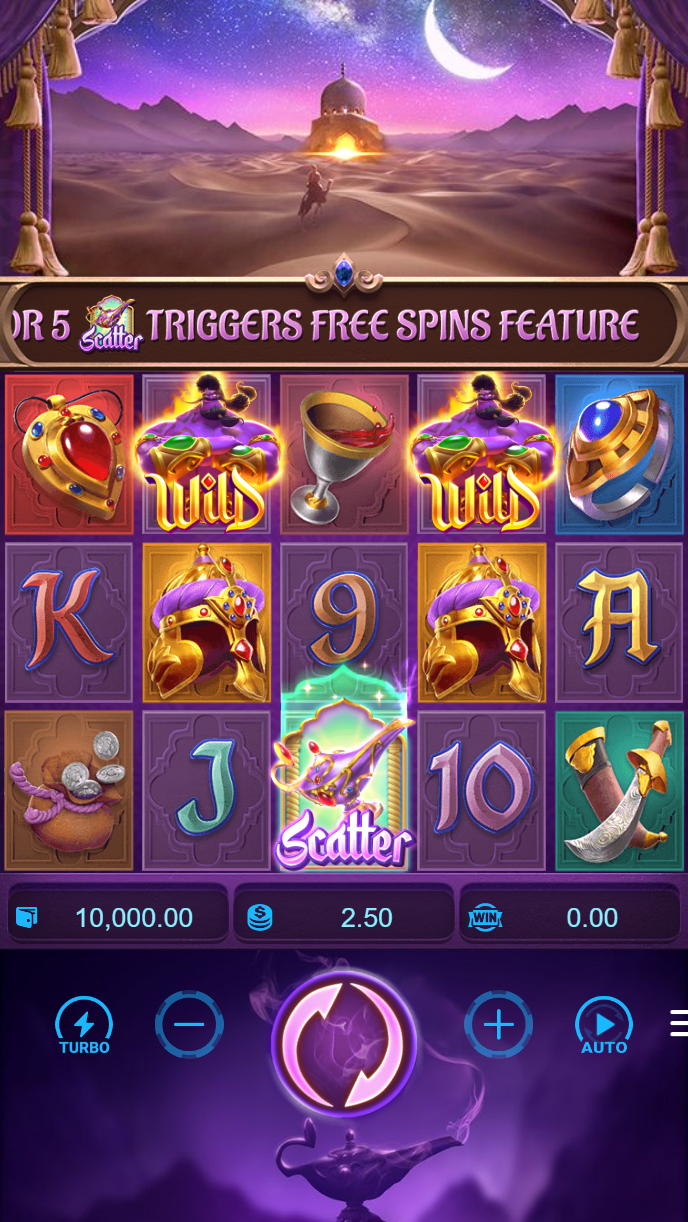
If you already have a laskar303 account on desktop, you can log in immediately using your username and password. If you are new to laskar303, you create an account within the app. The registration process is identical to the website: you provide your name, email, and phone number, then complete our standard verification with an ID document.
Our support team can help if the download does not start or if your phone blocks the installation. We respond via live chat in the app or through our website. Common issues include outdated Android versions (we require Android 8.0 or later) or insufficient storage space — both are easy to resolve.
Installation checklist
- Android 8.0 or later installed on your device
- At least 50 MB of free storage space
- Active internet connection (WiFi or mobile data)
- Permission to install apps from unknown sources enabled in your phone settings
Navigating the laskar303 App Interface
The app's main screen displays your account balance at the top, followed by quick-access buttons for Football, Live Dealer, and Slots. Below that, you see featured games and upcoming Liga 1 or Piala AFF fixtures depending on the season. The bottom navigation bar has five tabs: Home, Sports, Live Casino, Slots, and Account.
Tapping "Live Casino" opens our live-dealer section. You see tables for blackjack, roulette, baccarat, and Dragon Tiger, each showing the current dealer name, table limit, and number of players. Tap any table to join. The app streams the live feed in HD, and you place bets using your account balance.

The "Sports" tab shows football markets. You can filter by Liga 1, Piala AFF, or international tournaments. Each match displays the current odds, team form, and a live-score ticker once the match begins. Placing a bet works the same way as on desktop: select the market, enter your stake, and confirm.
Account Management and Payments on Mobile
Your Account tab contains all your personal settings. You can view your transaction history, update your payment methods, and check your verification status. Deposits and withdrawals work identically to the desktop version. You select your payment method — DANA, e-wallet, mobile banking, local payment, online payment, e-wallet, or a bank transfer via mobile banking, local payment, online payment, or e-wallet — and the app processes your request.
Deposits via e-wallet are typically credited within minutes. Bank transfers may take a few hours depending on your bank's processing window. Withdrawals follow the same timeline. Our support team reviews each withdrawal to verify your account details, a standard security step that usually completes within a business day.
The app also includes a chat feature. You can contact our support team directly from the Account tab. We respond in Indonesian and English during business hours, and we handle common questions about deposits, withdrawals, game rules, and account recovery.
Performance and Data Usage
The laskar303 app is optimized for mobile networks. Live-dealer streams adapt to your connection speed — if you are on a slower connection, the app automatically reduces video quality to prevent buffering. You can also manually adjust video quality in the app settings if you want to save data.
The app uses approximately 1-2 MB of data per hour of live-dealer play, depending on video quality. Slot games and sports betting use minimal data. If you are concerned about data usage, you can enable WiFi-only mode in the app settings, which prevents the app from using mobile data.

Battery usage is also minimal. The app runs efficiently in the background, so you can keep it open without draining your battery quickly. If you want to reduce battery consumption further, you can disable push notifications in the app settings — you will still receive alerts about your account, but they will not trigger your phone's screen to wake.
Security and Account Protection
The laskar303 app uses the same encryption and security protocols as our website. Your login credentials are encrypted, and your account balance is protected by two-factor authentication if you enable it. We recommend enabling two-factor authentication in your Account settings, especially if you use the app on a shared device.
If you lose your phone or suspect unauthorized access to your account, contact our support team immediately. We can freeze your account pending verification, reset your password, and help you regain access. Our support team is available via live chat on the website or through the app itself.